We use Cookies. Read our Terms
Overview
The OPEC Fund Client Portal (OCP) is OPEC Fund’s secure web-based application that allows the client to:
- Access financial correspondence and reports
- Submit withdrawal applications online
- Track requests in the system
- Review and update project vendor information
- Submit disbursement projections
- Communicate securely with the OPEC Fund
To maintain a high level of data security, the OCP uses multi-factor authentication. Only authorized users will have access to the system. The data and information displayed are based on the user’s access rights.

How do I request access to the OCP?
1. Fill out the onboarding forms:
2. Submit the ink-signed hard copy onboarding forms to:
The OPEC Fund for International Development
P.O. Box 995
1011 Vienna
Austria
3. Once the form is received by OPEC Fund, the users indicated in the onboarding forms will be given access to the OCP. They will receive an email message with a temporary password that they will enter in the field “Password”:
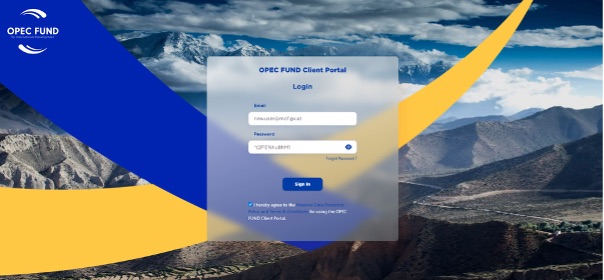
4. Thereafter, a one time passcode (OTP) will be sent to their email account that shall be entered in the field verification code:

5. Once this code is entered, for the first time login, the user is prompted to change the temporary password and select a password of his preference:

6. The user can access the platform now. The first time login process usually takes a few minutes.
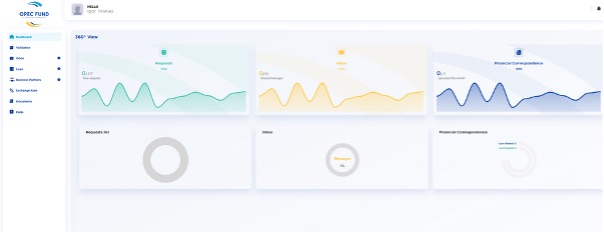
7. To navigate through the portal, training sessions will be arranged. Additionally, video tutorials will be available within the OCP’s FAQ section.